Panasonic KV-SS25D Instrukcja Użytkownika
Przeglądaj online lub pobierz Instrukcja Użytkownika dla Skanery Panasonic KV-SS25D. Panasonic KV-SS25D User Manual Instrukcja obsługi
- Strona / 20
- Spis treści
- ROZWIĄZYWANIE PROBLEMÓW
- BOOKMARKI

- Operation Manual 1
- 2
- Français 3
- For roller cleaning paper 4
- Precautions 5
- Operating Environment 6
- Component Identification 7
- Ilnstalling the stand 8
- Lift the unit 8
- Caution: 9
- Removing the exit tray 9
- Removing the document tray 9
- __________ 9
- Loading a Document 10
- Clearing Paper Jams 12
- Cleaning the Unit 13
- Repacking Instructions 15
- X Depth x Height) 16
- Troubleshooting 17
- Panasonic Canada Inc 20
Podsumowanie treści
PanasonicOperation ManualHigh Speed ScannerModel No. KV-SS25DBefore using this unit, please read these instructions completely.
Loading a Document1Documents that have been stapled together or have been sitting together (as in a file folder) for some time will need to be separa
Loading a Document4Adjust the document guides to the document size.• Make sure to properly align the documents to the document guides.5When using leg
Clearing Paper JamsTorn documents, thin documents or documents that are creased at the leading edge may cause paper jamming. If a
Cleaning the UnitOutside of the Unit:♦ at least once a month1Turn the power OFF.2Clean the cover with a soft cloth.3Remove dirt and dust from the fan
Cleaning the Unit3When the parts are especially dirty, use the included "Roller Cleaning Paper", wipe clean all of the dirty parts while rot
Repacking InstructionsIt is highly recommended that you keep the original carton and ALL packing materials. Should you need to trans
SpecificationsItemModel No.KV-SS25DScanning faceDuplex scanningScanning methodFront side: CCD image sensor Reverse side : Contact-type image sensorRea
TroubleshootingIf a problem occurs while the unit is being used, first check the following items. If the unit still malfunctions, s
IndexAC inlet ... 7Cleaning the unit ... 1 3Fan exhaust vent ... 1 3Paper sensor ... 1 3Scanning section glass . 14White reference p
Thank you for purchasing a Panasonic "High Speed Scanner".------------------Table of Contents--------------------------Notice ...
Panasonic Communications & Systems Company Division of Matsushita Electric Corporation of AmericaTwo Panasonic Way, Secaucus, New Jersey 07094Pana
Federal Communications Commission Requirements(For United States only)Note: This equipment has been tested and found to comply with the li
NoticeFor roller cleaning paperBefore using the roller cleaning paper, please read these instructions completely. Keep these instructions fo
PrecautionsThe following precautions are recommended to extend the life of the unitDo not place any liquids near the unit — Accidental spillage of a l
PrecautionsOperating EnvironmentDo not subject the unit the following conditions.Do not place the unit in direct sunlight or in a cold Do not use the
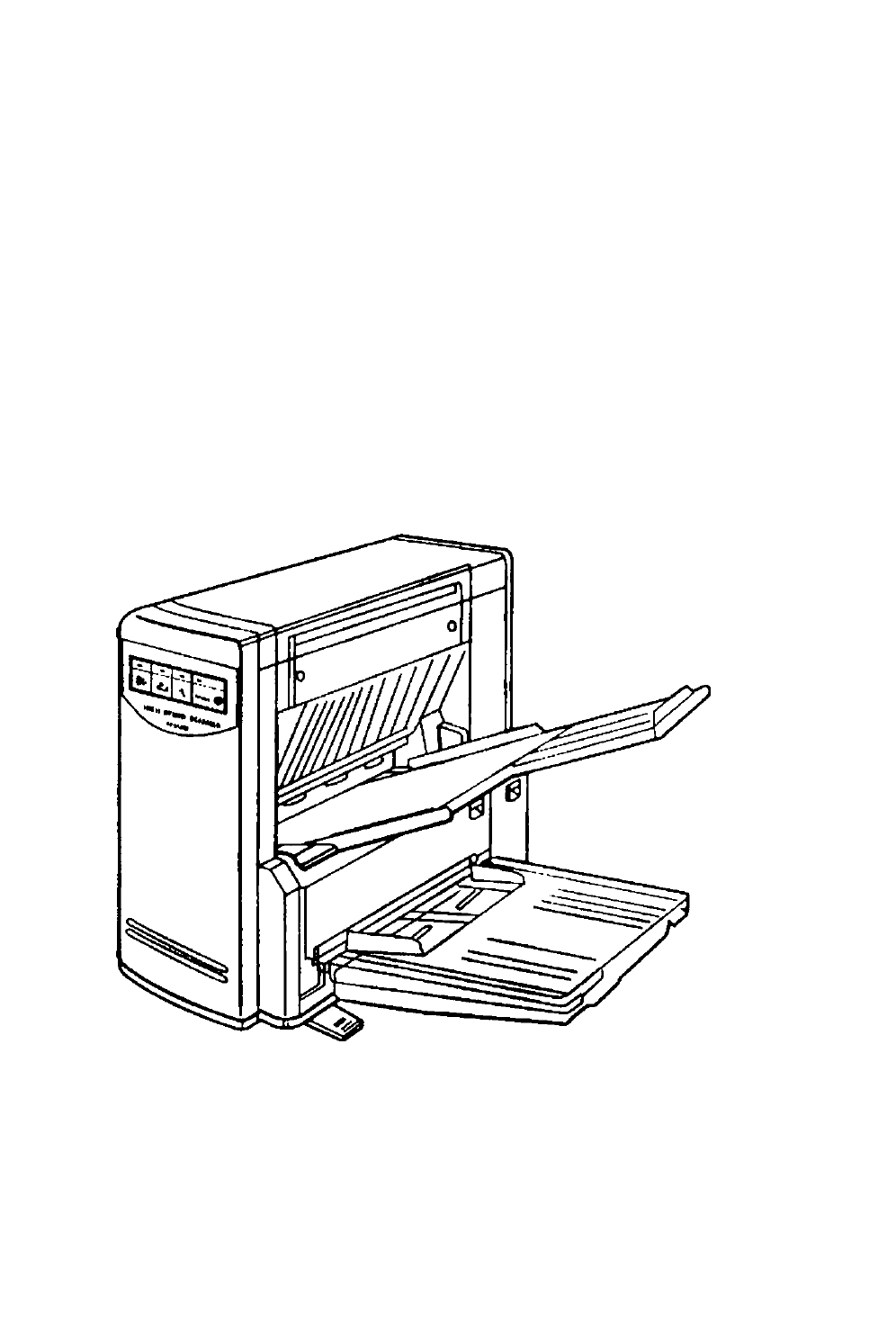
Component IdentificationPower indicator Display Panel=¿J\POWER ©Document exit slotStandDocument feed slotExit tray sheetPower switchScanning section
Minimum Space and Installing the StandiMinimum spaceBe sure to maintain the recommended space requirements for proper ventilation.Ilnstalling the stan
Installing the Document Tray and the Exit Tray123Align both sides of the tray with the document feed slot, then firmly insert the tray into the slot
© 2020, manymanuals.pl. Wszelkie prawa zastrzeżone. | 0.045 s |
 Manymanuals.com
 Manymanuals.de
 Manymanuals.fr
 Manymanuals.it
 Manymanuals.pl
 Manymanuals.cz
 Manymanuals.es
 Manymanuals-pt.com
Komentarze do niniejszej Instrukcji